
Website Monitoring That Protects Performance and Customer Experience
See when your websites are slow, unavailable, or hurting the user experience so your team can fix issues faster and keep digital journeys running smoothly.
When your digital experiences stay reliable, users stay happy, teams move faster, and trust grows stronger
Find and fix availability, latency, and user journey issues before they reach customers, so teams can prevent disruption instead of reacting to complaints.
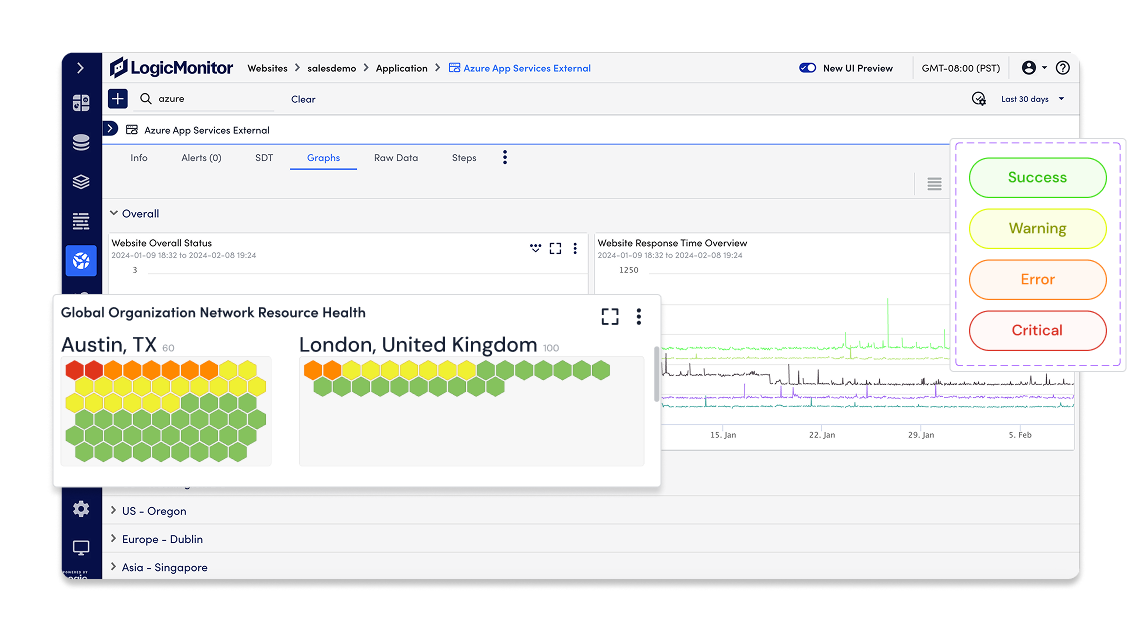
See how your websites perform across regions, networks, and journeys, so you’re not relying on internal health checks alone.
Connect slowdowns, outages, and front-end symptoms to the systems behind them so teams can move from detection to resolution faster.
Cut through alert noise and prioritize the issues most likely to affect customers, revenue, or business-critical digital services.
Understand which performance issues hurt key journeys, conversions, and user trust, so teams can improve what matters most.
Give operations teams, executives, and business stakeholders a clear view of uptime, performance, SLAs, and digital resilience.
Everything you need to monitor, validate, and improve website reliability
With LM Uptime, as part of LM Envision, you can detect availability issues early, understand the user impact, and connect digital experience signals to the systems and services behind them.
Track availability from every angle
Monitor websites, APIs, endpoints, and critical user journeys with continuous synthetic checks that show when something is slow, unavailable, or failing.
-
Check every critical endpoint Run continuous checks across websites, APIs, transactions, and key user journeys to catch downtime, latency, failed steps, and endpoint issues early.
-
Compare synthetic and real user signals Pair proactive testing with real user performance data to understand expected behavior, actual experience, and where the two start to drift.
Confirm what users actually experience
Validate performance from global locations, internal networks, and real user sessions so teams can understand whether an issue is isolated, regional, or business-critical.
-
User-perspective performance Monitor availability and performance from global and internal locations to spot regional, ISP-level, CDN, DNS, or cloud-related issues.
-
Correlated service context Track response time, Core Web Vitals, and user journey health so teams can see which slowdowns are most likely to affect experience and conversion.
Connect symptoms to root cause
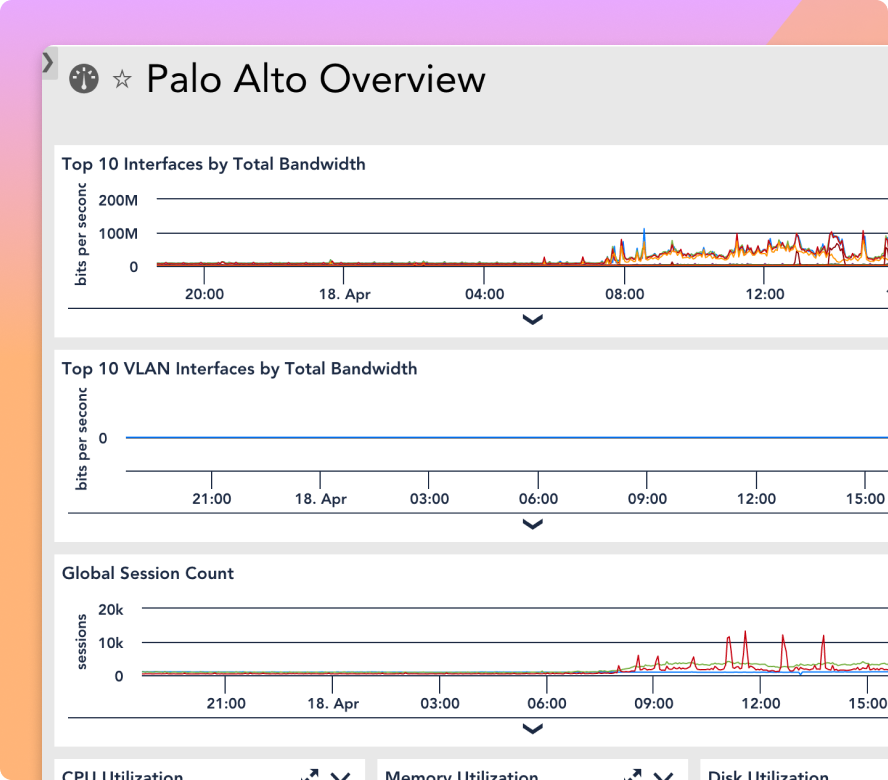
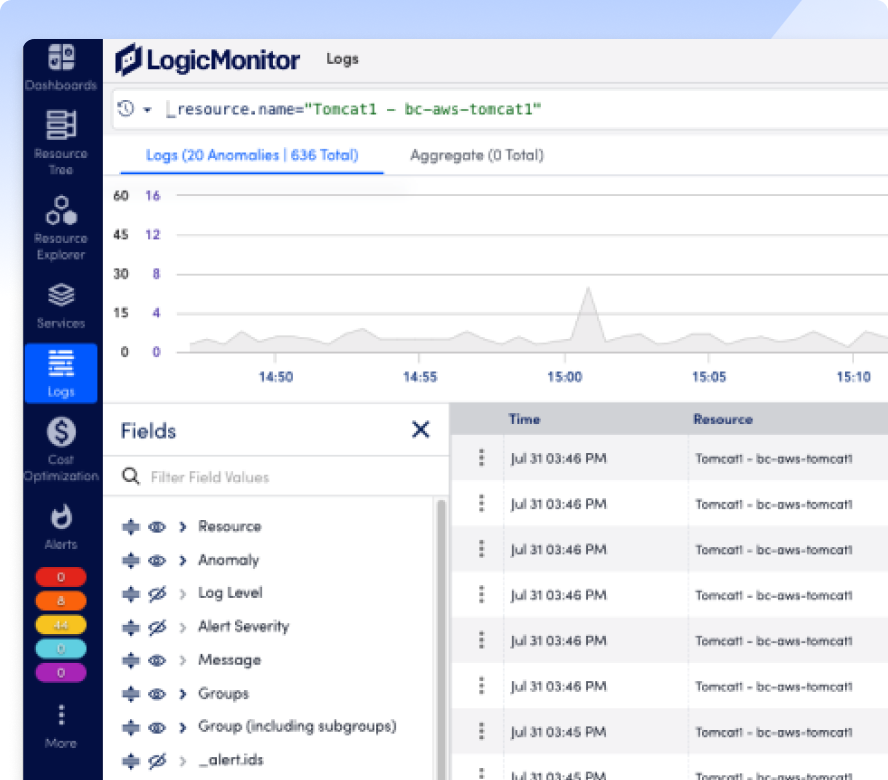
Bring website, API, DNS, CDN, cloud, network, application, and infrastructure signals together in LM Envision so teams can quickly see what’s behind an outage or slowdown.
-
Correlate across your stack Connect digital experience issues to supporting services, resources, routes, providers, and infrastructure context to shorten investigation time.
-
See what changed Use contextual insights across alerts, events, topology, and dependencies to understand what happened, where it started, and what teams should check next.
Act on the issues that matter
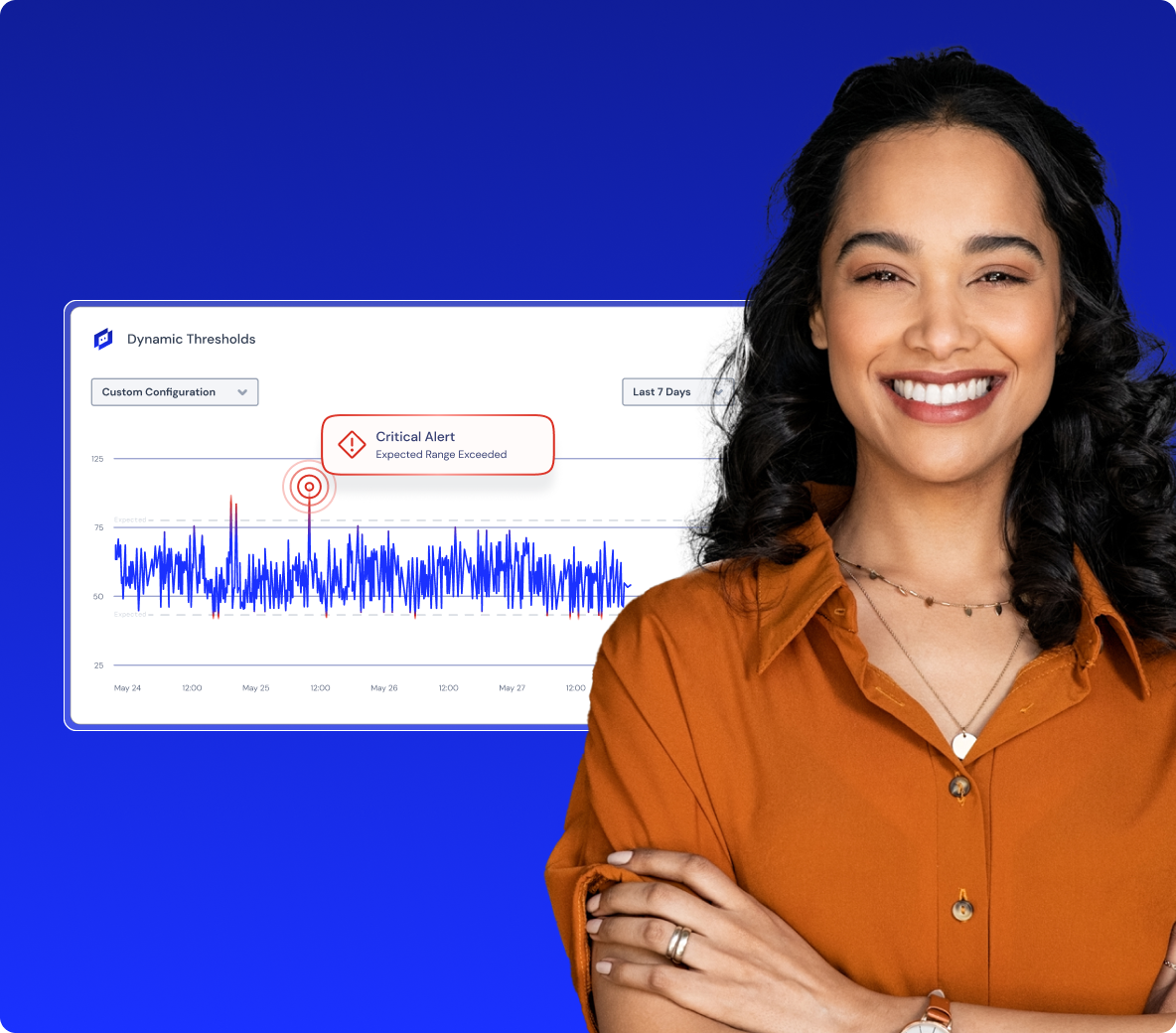
Get alerted when a site, endpoint, or journey is down or degraded, with the context teams need to prioritize real customer impact instead of chasing noise.
-
Reduce false positives Validate issues across locations and signals so teams can avoid reacting to one-off failures that don’t reflect a real customer-impacting problem.
-
Route work to the right team Send alerts to tools like Slack, Microsoft Teams, ServiceNow, and CI/CD systems so the right responders can act without switching platforms.
Show reliability in business terms
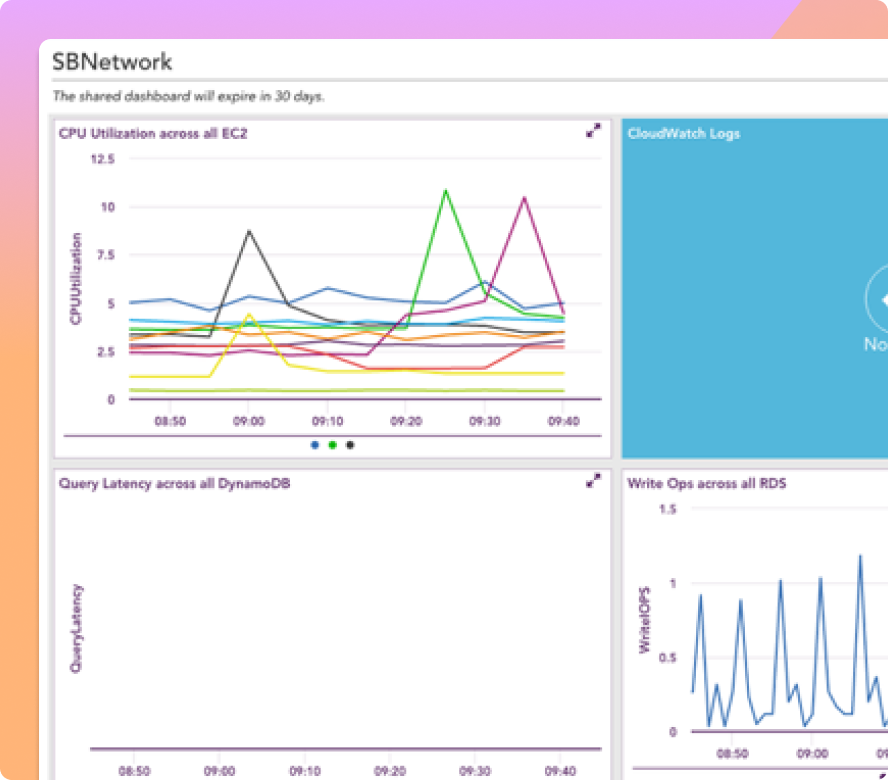
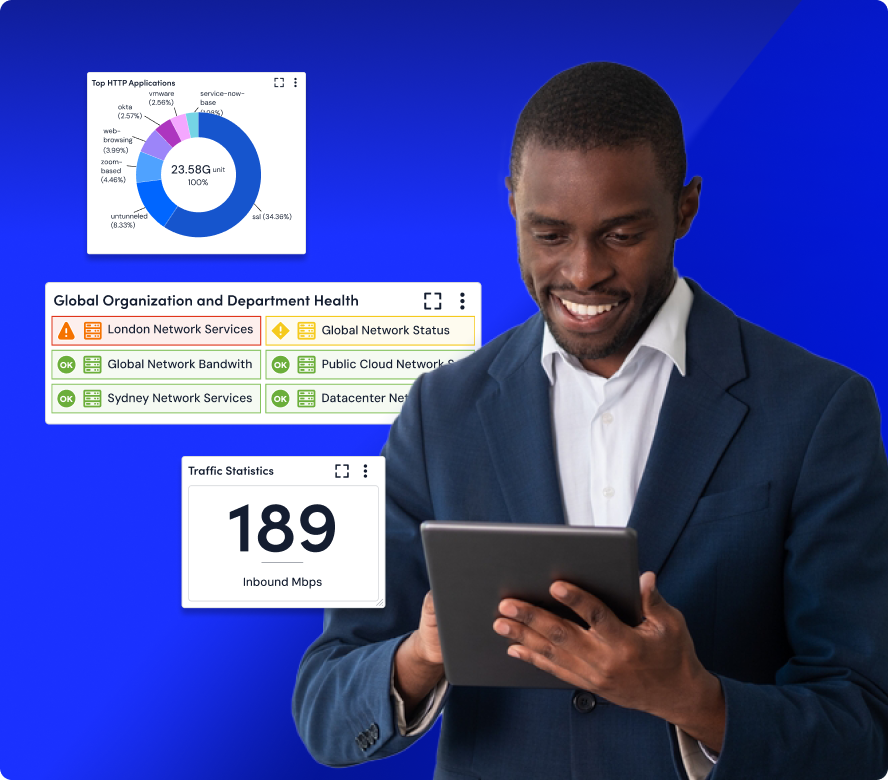
Keep teams aligned with dashboards and reports that connect uptime, performance, user experience, and operational health to the outcomes stakeholders care about.
-
Create role-based views Give Ops, Dev, SRE, NetOps, and leadership dashboards tailored to the signals, services, and reliability goals they need to track.
-
Share performance proof Automate uptime, SLA, Core Web Vitals, and reliability reports so teams can show progress without manual tracking or spreadsheet work.
INTEGRATIONS
Works with the tools you already trust to keep your site running
Our platform connects with the tools your team relies on, from cloud providers, CDNs, DNS, CI/CD pipelines, and APIs to collaboration, alerting, and ITSM platforms. Extend website monitoring into existing workflows and reduce the noise of jumping between point solutions.
100%
collector-based and API-friendly
3,000+
integrations and counting
AI AGENT FOR Cloud-Native Ops
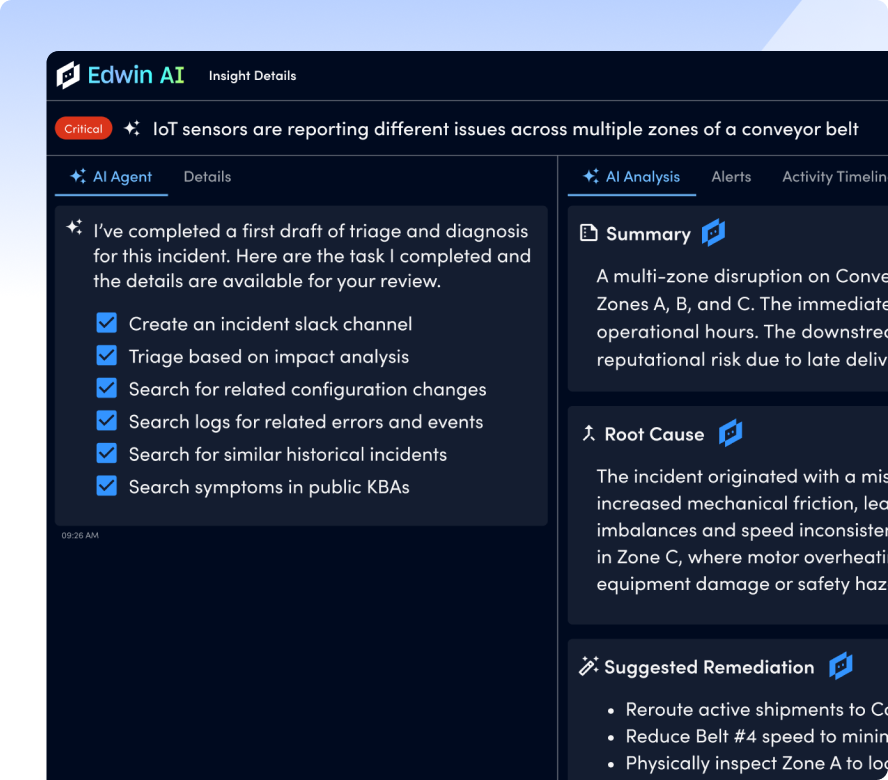
Edwin AI makes website issues easier to find and faster to fix
Troubleshooting website issues doesn’t have to mean hunting through logs, dashboards, Internet telemetry, and alert streams. Ask Edwin about any anomaly and get instant, human-readable answers that help teams separate internal issues from external dependencies and fix problems faster.
67%
ITSM incident reduction
88%
noise reduction
“Edwin AI cut noise by 90% & ITSM incidents by 76%, enabling better customer service.”

“The single pane of glass across all of our regions enables us to act more proactively.”

“Edwin AI delivered value within an hour of implementation.”

“Capital Group has 1,000+ alerts/ day. LogicMonitor will eliminate that noise.”

“LogicMonitor is a valuable partner, constantly innovating and adapting to our business needs.”

BY THE NUMBERS
What happens when you stop waiting for users to report problems
GET ANSWERS
FAQs
Get the answers to your top website monitoring questions.
What website performance issues can LogicMonitor help detect?
LogicMonitor helps teams catch downtime, slow pages, failed transactions, API issues, DNS or CDN problems, regional disruptions, and third-party dependency failures. By combining synthetic checks, real user signals, and infrastructure context, teams can find issues earlier and focus on the problems most likely to affect customers, revenue, or critical services.
How does LogicMonitor help teams troubleshoot website incidents faster?
LogicMonitor connects website, API, DNS, CDN, cloud, network, application, log, and infrastructure signals in one platform. When a slowdown or outage occurs, teams can correlate front-end symptoms with the services and dependencies behind them. Edwin AI can also help explain anomalies and guide teams toward likely causes so responders spend less time jumping between tools.
What types of website checks and monitoring locations are supported?
LogicMonitor supports continuous checks for websites, APIs, endpoints, and key user journeys from global locations and internal networks. Teams can monitor public-facing digital experiences as well as private apps and services behind the firewall. Location-aware monitoring helps show whether an issue is isolated, regional, or widespread, with check frequency configured based on the importance of each service or journey.
