

AppliesTo Function Configuration
Last updated – 19 July, 2026
AppliesTo functions are a core component of AppliesTo scripting, a powerful method for selecting LogicMonitor resources based on their properties. You can create your own custom AppliesTo functions globally, making them reusable across any area in LogicMonitor that accepts AppliesTo scripts.
After created, these user-defined functions serve asconvenient shortcuts within the AppliesTo scripting language, helping simplify complex logic and improve script readability.
Creating AppliesTo Function
- In LogicMonitor, navigate to Modules> My Modules Toolbox.
- Select
 Add.
Add. - In the Add modal, select AppliesTo Function.
- In the Basic Information settings, enter the relevant information such as Name, Description, and Tags.
- In the Access Groups settings, add the relevant access groups.
- In the AppliesTo settings, do one of the following:
- Enter your user-defined AppliesTo function.
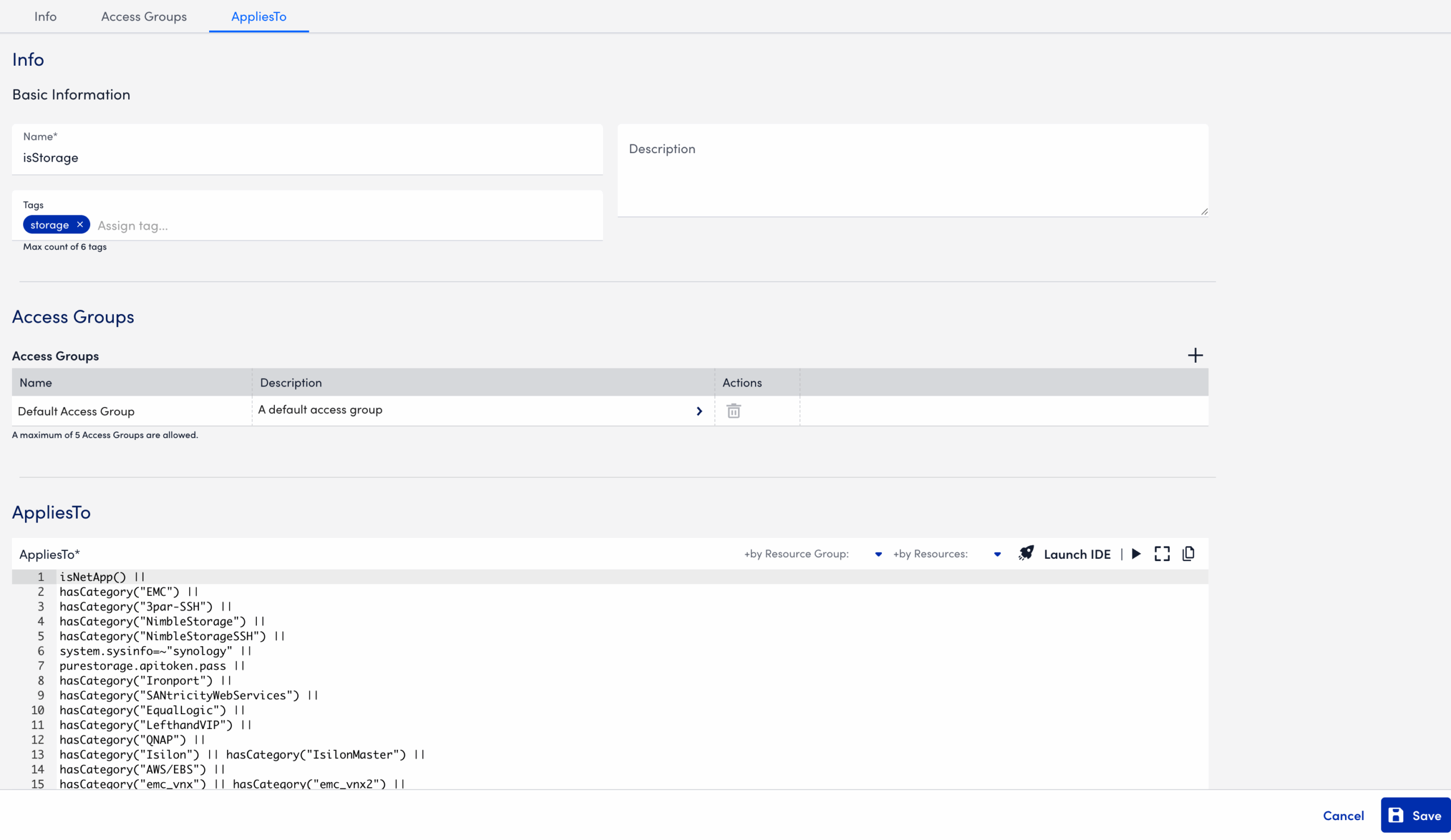
- Select the Launch IDE icon to build the AppliesTo function by selecting the available filter functions.
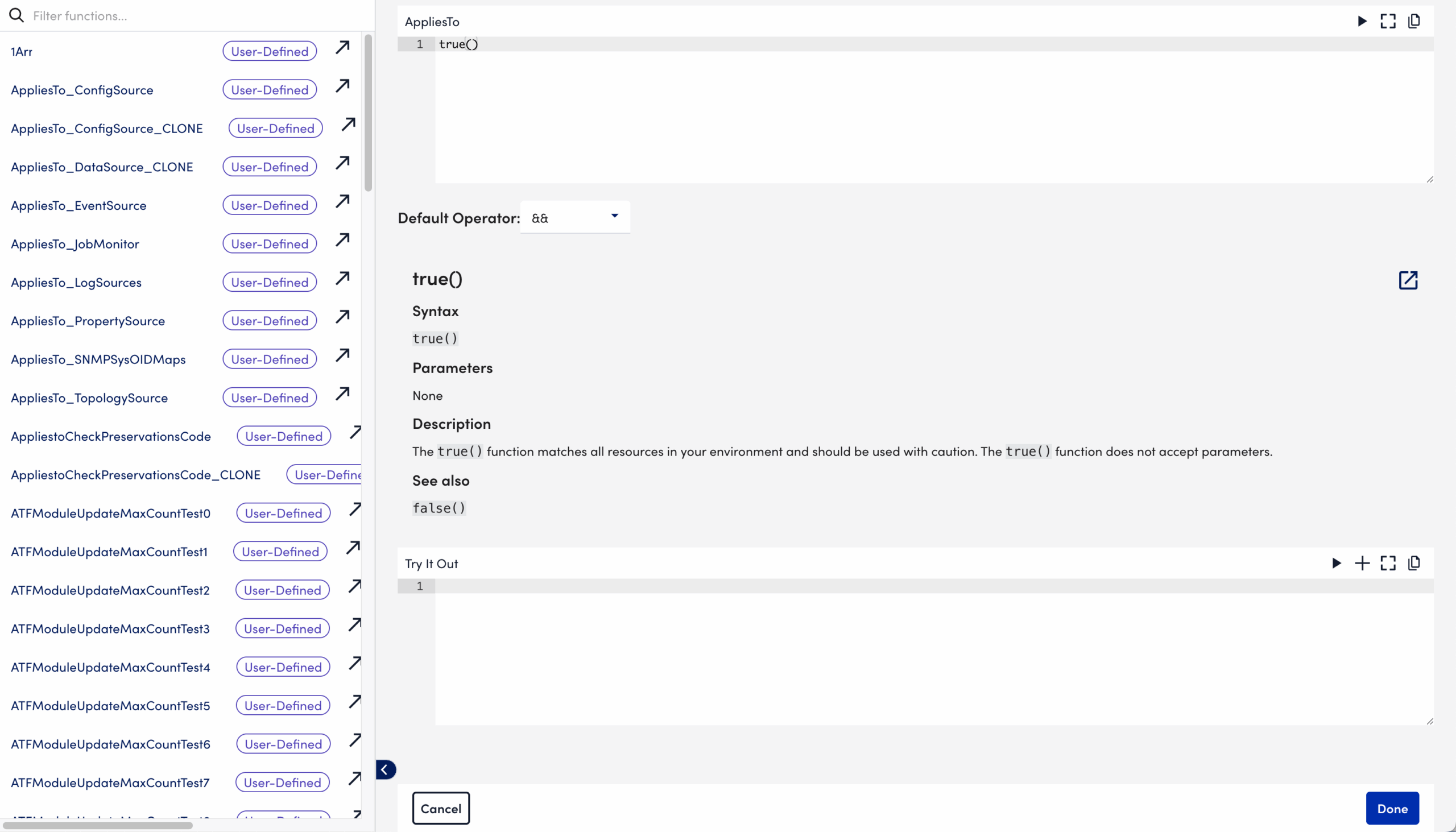
- Select +by Resource Group to search for and add one or more resource groups to the AppliesTo expression.
- Select +by Resources to search for and add one or more resources to the AppliesTo expression.
- Enter your user-defined AppliesTo function.
- Select
 Test AppliesTo.
 - Review the matching resources returned by the test. You can select the returned link to view the matching resources.
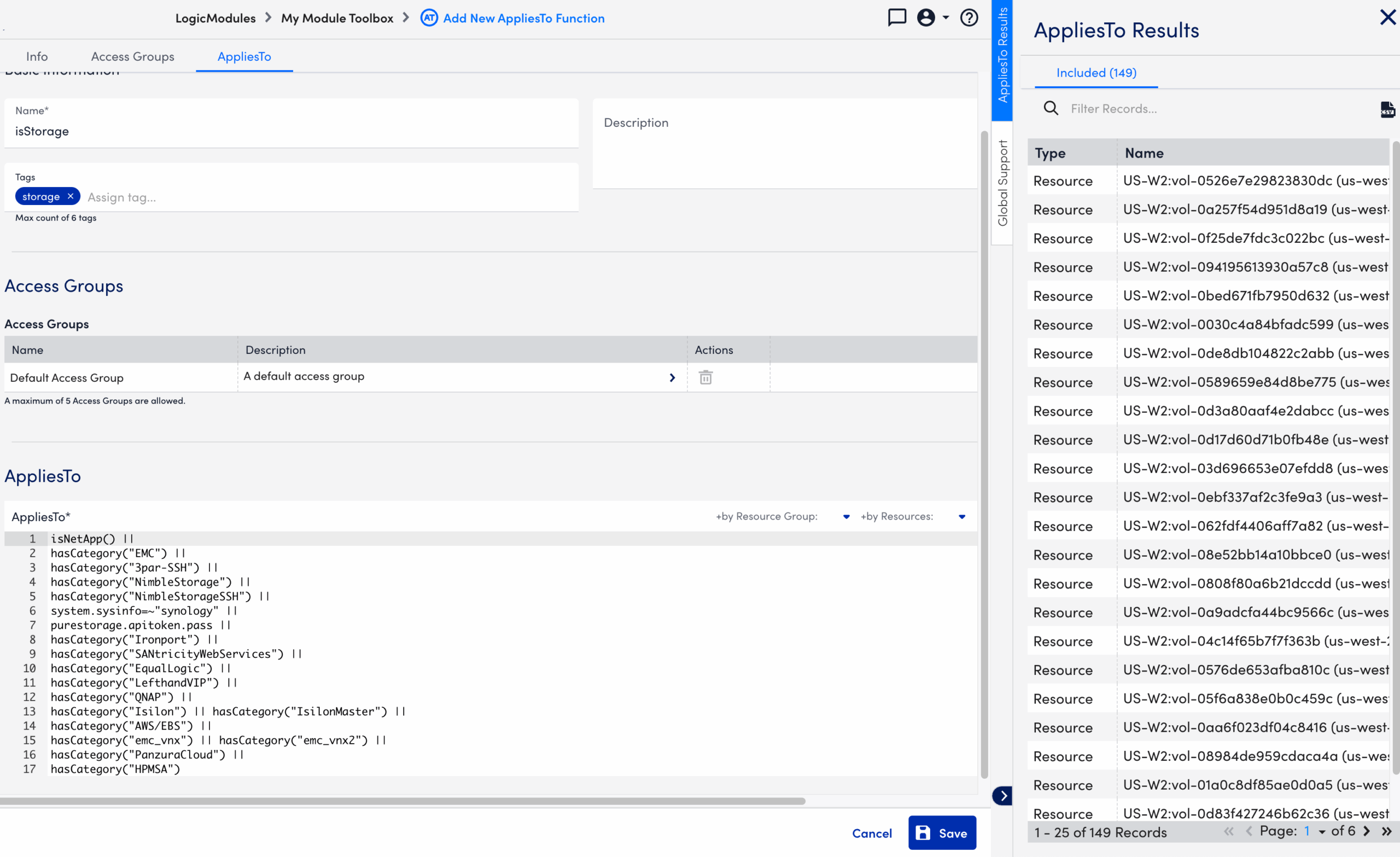
Recommendation: You can use built-in convenience functions, such as isStorage, that are exposed as user-defined functions.
- Select Save.
